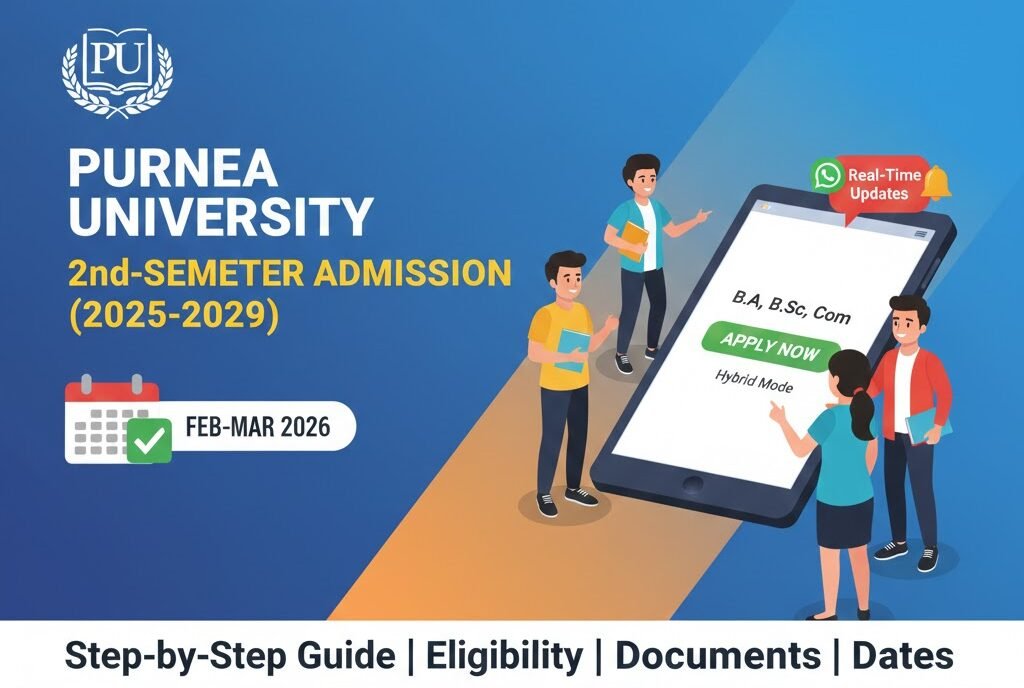

If you’re a fresh graduate of Purnea University’s first‑semester batch, the next big step is securing a seat in the 2nd semester of the 2025‑2029 session. Whether you’re aiming for a B.A., B.Sc., or B.Com degree, the admission process has been fine‑tuned to blend digital convenience with the traditional campus experience. Below is a complete, easy‑to‑follow guide that walks you through every stage—right from the moment your first‑semester exams wrap up in February, to the moment you receive that coveted enrollment confirmation.
1. Why This Admission Cycle Is Different
The higher‑education landscape in India has been evolving fast. By 2026, most public universities have adopted hybrid admission models that let students apply online, offline, or a mix of both. Purnea University is no exception. Here’s what sets the 2025‑2029 cycle apart:
| Feature | What It Means for You |
|---|---|
| Hybrid Mode | You can submit your documents through the university portal or visit the admission counter in person. |
| Extended Timeline | The final deadline is expected in late March 2026, giving you extra breathing room after February exams. |
| Real‑Time Updates | Social media groups and a dedicated WhatsApp channel push instant alerts about seat allocation, document verification, and fee payment. |
| Digital Documentation | Scanned PDFs of marksheets, identity proofs, and migration certificates can be uploaded directly, reducing paperwork queues. |
These trends mirror a nationwide push toward paperless processes and student‑centric services, which means you’ll spend less time waiting in line and more time planning your academic journey.
2. Step‑by‑Step Walkthrough
a. Check Your Eligibility
- Academic Requirement – Minimum 45 % aggregate in your 1st‑semester exams (or the equivalent if you’re a transfer student).
- Documentation – Valid Aadhaar, PAN, 10th & 12th mark sheets, and a recent passport‑size photo.
- Age Limit – No upper age ceiling for undergraduate courses, but you must meet the university’s residency criteria if you’re applying as a local candidate.
Pro tip: Keep a digital folder (Google Drive, OneDrive, etc.) with all scanned documents. This will save you from scrambling for files later.
b. Locate Your College’s Admission Notice
Every affiliated college releases a PDF notice that spells out whether they are conducting online or offline admissions. The notice also lists the application window, seat matrix, and fee structure.
- Where to find it? Visit the college’s official website or the university’s master portal at
purneauniversity.ac.in. - What to look for? Keywords like “2nd Semester Admission 2025‑2029”, “Online Registration”, and “Offline Counters”.
c. Register Online (If Applicable)
- Create a user ID on the university’s admission portal.
- Fill in personal details exactly as they appear on your official documents.
- Upload scanned copies of each required document (max size 2 MB each).
- Pay the nominal registration fee via UPI, net banking, or credit/debit card.
- Submit and note down the Application Reference Number (ARN) – you’ll need it for future queries.
d. Offline Registration (For Colleges That Require It)
- Download the hard copy form from the college notice or collect it at the admission office.
- Fill it out legibly using a black ballpoint pen.
- Attach original documents (you’ll get them stamped) and a self‑addressed envelope for receipt of your admission letter.
- Pay the fee at the counter (cash or card).
- Collect a receipt—it’s your proof of submission.
e. Verification & Seat Allocation


Once the university’s admission committee finishes verifying your credentials, you’ll receive a seat allotment notice. This usually lands in your email and the WhatsApp group you joined (see the “Important Links” section).
- If you get a seat: Follow the next steps to confirm your enrollment (pay tuition fees, submit any pending documents).
- If you’re on the waitlist: Keep your contact details updated; seats open up frequently as students withdraw or defer.
f. Final Confirmation
After fee payment, you’ll receive an official Admission Letter (PDF). Print a hard copy for campus use and save a digital version for future reference (e.g., applying for scholarships or internships).
3. Practical Example: Maya’s Journey
Maya, a B.Sc. student from the Purnea University Session 2025‑2029, finished her 1st‑semester exams in early February 2026 with a 68 % aggregate. Here’s how she navigated the process:
| Phase | Action | Outcome |
|---|---|---|
| Eligibility check | Compared her marks with the 45 % threshold, confirmed she met the requirement. | Ready to apply. |
| Notice review | Downloaded the PDF from her college’s site; it indicated online admission only. | No need to travel to campus. |
| Online registration | Created a portal account, uploaded PDFs, paid ₹500 via UPI. | ARN 2026‑PUN‑00123 generated. |
| Verification | Received an email after 48 hours confirming document clearance. | Seat allotted in B.Sc. Chemistry. |
| Fee payment | Paid ₹12,500 through net banking, uploaded the receipt. | Admission letter emailed instantly. |
| Confirmation | Printed the letter, joined the college’s WhatsApp group for updates. | Ready for the 2nd semester start in April. |
Maya’s story illustrates how a well‑organized digital workflow can shave days off the traditional paperwork marathon.
4. Common Pitfalls & How to Avoid Them
| Pitfall | Why It Happens | Quick Fix |
|---|---|---|
| Mismatched data (e.g., name spelling differs across documents) | Manual entry errors or outdated IDs | Double‑check every field against the original certificates before submission. |
| Uploading wrong file type (e.g., .doc instead of .pdf) | Confusion about accepted formats | Stick to the portal’s checklist; use free PDF converters if needed. |
| Missing the deadline | Assuming “late March” means “any day in March”. | Mark the exact deadline (e.g., 31 Mar 2026) in your calendar with reminders a week ahead. |
| Ignoring the WhatsApp updates | Believing email is sufficient. | Join the official channel (link below) and enable push notifications. |
| Paying fees at a non‑authorized bank | Misreading the fee receipt. | Use the university’s listed payment gateways only. |
5. Important Links
Below is a quick reference table with the most useful resources for the 2nd‑semester admission cycle. Keep it handy!
| Resource | Description | Action |
|---|---|---|
| WhatsApp Channel | Join our official updates channel | Join Now |
| University Admission Portal | Main gateway for online registration, document upload, and fee payment | Visit Portal |
Feel free to bookmark this table and revisit it whenever you need a reminder.
6. Final Thoughts
The 2025‑2029 2nd‑semester admission at Purnea University blends the best of both worlds: the speed of digital processes and the personal touch of offline verification. By staying organized, double‑checking every detail, and leveraging the university’s real‑time communication channels, you can breeze through the enrollment phase and focus on what matters most—your studies.
Remember, the deadline is looming in late March 2026, so start gathering your documents now, join the WhatsApp group for instant updates, and secure your spot in the semester that will shape the rest of your undergraduate journey. Good luck, and see you on campus!
FAQ
1. Can I switch from online to offline admission after I’ve submitted my application?
Yes. If a college later announces an offline window, you can appear in person with your ARN and original documents. Contact the college’s admission office for exact instructions.
2. What if my 1st‑semester results are delayed?
Most colleges grant a grace period of two weeks after the official result announcement. Use this window to submit a provisional application and upload the final marksheet as soon as it’s available.
3. Are there any scholarships specific to 2nd‑semester students?
Purnea University offers merit‑based scholarships that consider the cumulative GPA of both semesters. Apply through the university’s scholarship portal after you receive your 2nd‑semester marks.
4. How do I know if a college offers online or offline admission?
Check the Admission Notice PDF posted on the college’s website. The notice will clearly label the mode—look for headings like “Online Registration Procedure” or “Offline Counters Location”.














