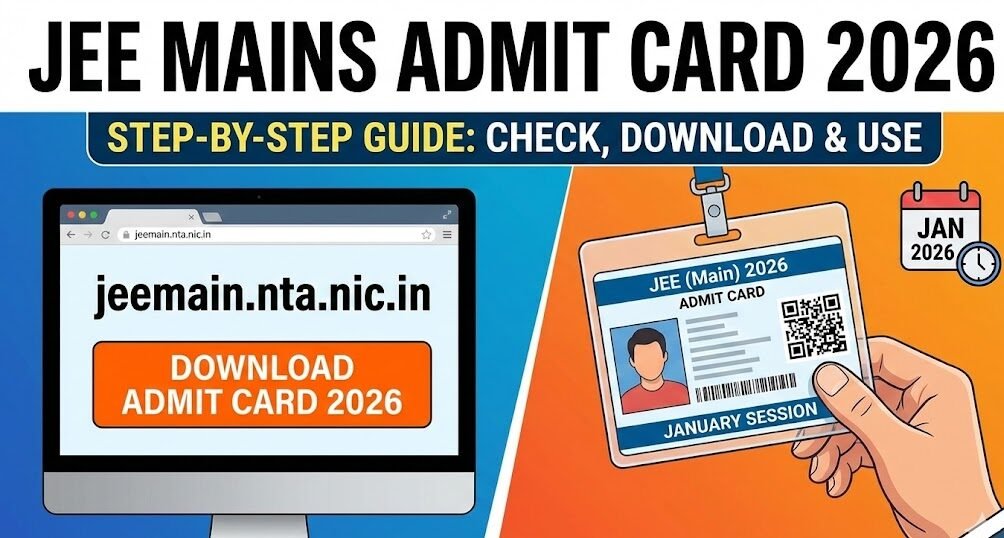

If you’re preparing for the January 2026 session of JEE Main, the moment you’ve been waiting for is finally here – the admit card is about to go live. This tiny booklet is your golden ticket to the exam hall, and missing any detail can cost you a seat in one of India’s top engineering programmes. Below we walk you through everything you need to know: from why the admit card matters, to a fool‑proof method for downloading it, and a handful of insider tips that will keep you calm on the big day.
Quick snapshot
• Exam name – JEE Main 2026
• Conducting body – National Testing Agency (NTA)
• Mode – Computer‑Based Test (CBT)
• Session – January 2026 (21 – 30 January)
• Admit‑card release – Online only, on the official portal jeemain.nta.nic.in
Let’s break it down.
1. Why the Admit Card Is More Than Just a Slip
Think of the admit card as a passport for the exam day. It contains:
| What’s on it? | Why it matters |
|---|---|
| Candidate name & roll number | Verifies your identity at the centre. |
| Exam date and shift timing | Guarantees you’re in the right slot; JEE Main runs two shifts per day. |
| Centre address and room number | Saves you from wandering the campus looking for “Hall A”. |
| Photograph & signature | Helps invigilators confirm you’re the right person. |
Missing any of these details or presenting a wrong card can result in denial of entry, which is why the NTA insists on a printed, legible copy.
2. Where to Find the Official Download Link
All JEE Main admit cards are hosted on the single, official NTA portal:
When you land on the homepage, look for the banner that reads “JEE Mains Admit Card 2026 – Click Here”. Clicking it opens a secure login page where you’ll need two pieces of information:
- Application (registration) number – the 10‑digit ID you received after filling the JEE Main 2026 application.
- Date of birth – as entered during registration (format: DD‑MM‑YYYY).
Enter these correctly; a small typo will trigger an “Invalid credentials” message and you’ll have to start over.
3. Step‑by‑Step Download Process (With Real‑World Example)
Let’s walk through a practical scenario. Meet Riya, a 17‑year‑old from Pune who’s sitting for JEE Main for the first time.
| Step | What Riya does | What you should do |
|---|---|---|
| 1 | Opens a Chrome tab and types jeemain.nta.nic.in. | Navigate to the official website on a reliable browser. |
| 2 | Clicks the bright orange “Admit Card” button on the home page. | Look for the same button; it’s usually placed under the news ticker. |
| 3 | Types 2026001234 (her registration number) and 12‑08‑2005 (DOB). | Fill in your exact details—no spaces, correct case. |
| 4 | Hits Submit; a PDF preview appears with her name, roll number, centre details, and a QR code. | Verify every field is correct before proceeding. |
| 5 | Clicks Download and saves the file as “Riya_JEE_Main_AdmitCard2026.pdf”. | Use a clear file name for easy retrieval later. |
| 6 | Prints two copies on A4 paper (one for the exam centre, one as backup). | Print at least one hard copy; the exam centre will not accept a phone screen. |
| 7 | Checks the printed copy for smudges, ensures the barcode scans, and stores it in a zip‑lock bag. | Keep the card safe, away from liquids or bends. |
Following Riya’s method, you’ll have a clean, printable admit card ready well before the exam date.
4. Common Pitfalls and How to Avoid Them
| Problem | Why it happens | Quick fix |
|---|---|---|
| Incorrect DOB entered | Often typed as YYYY‑DD‑MM instead of DD‑MM‑YYYY. | Double‑check the format on the login page. |
| Browser cache blocks the PDF | Older browsers sometimes keep an outdated version of the page. | Clear cache or switch to a different browser (Chrome, Firefox). |
| Low‑resolution print | Printing from a mobile device may reduce clarity. | Print from a desktop/laptop with at least 300 dpi quality. |
| Missing QR code | Some candidates trim the PDF before printing. | Keep the full page; the QR code is essential for verification. |
5. Latest Trends for JEE Main 2026 Candidates
- Shift‑wise seat allocation: The NTA has started assigning seats based on the shift you appear in. Early‑morning slots are often less crowded, which can improve concentration.
- AI‑driven centre recommendations: Using your registration data, the portal now suggests a centre that minimizes travel distance. If you have a preferred centre, you can still request a change through the “Centre Change” portal before the deadline.
- Real‑time status alerts: By opting into the NTA WhatsApp notifications, you receive instant updates about admit‑card release, any technical glitches, and last‑minute changes in exam timing.
6. Practical Tips for the Day Before the Exam
- Pack a “ready‑to‑go” bag: Admit card (printed + photocopy), photo ID (Aadhaar / passport), two pens (ball‑point, 0.5 mm), and a bottle of water.
- Do a mock run: Travel to the exam centre once, locate the building, note the gate timings. This removes the surprise factor.
- Set multiple alarms: JEE Main starts early; a 30‑minute buffer helps you avoid a rushed entry.
- Check the weather: If rain is forecasted, carry a transparent raincoat—no umbrellas allowed inside the exam hall.


7. Important Links
Below is a handy table with the most useful resources for JEE Main 2026 candidates. Click the Action buttons to jump straight to the site.
| Resource | Description | Action |
|---|---|---|
| WhatsApp Channel | Join our official updates channel | Join Now |
| Official NTA Portal | Full exam schedule, syllabus, and centre details | Visit Site |
| Download Admit Card | Download | |
Feel free to bookmark this table; you’ll return to it multiple times while preparing for the exam.
8. Final Thoughts
The JEE Main Admit Card 2026 may seem like a simple PDF, but it is the keystone of your entire examination experience. By downloading it early, double‑checking every field, and printing a clean copy, you eliminate one of the biggest sources of last‑minute stress. Pair this with the practical tips above—travel rehearsal, a prepared bag, and a good night’s sleep—and you’ll walk into the computer‑based test centre with confidence.
Remember, the exam itself tests your knowledge and problem‑solving skills; the admit card just ensures you have the right access to showcase them. Treat it with the same seriousness you give to your study plan, and you’ll be one step closer to cracking a seat at your dream engineering college.
When will the admit card be available?
Typically 2‑3 weeks before the first exam day. For the Jan‑2026 session, it went live in early January.
Can I change my exam centre after downloading the admit card?
Yes, but only through the official “Centre Change” portal before the NTA’s announced deadline (usually 10 days prior to the exam).
What if my PDF won’t open?
Use a PDF reader like Adobe Acrobat Reader, update it, or try opening the file on a different device.
Is a digital copy accepted at the test centre?
No. The NTA requires a printed hard copy; a phone screen is not considered valid proof of identity.
Do I need to bring a photograph in addition to the admit card?
No. The admit card already contains a verified photo, but you must still carry a separate government‑issued ID.














