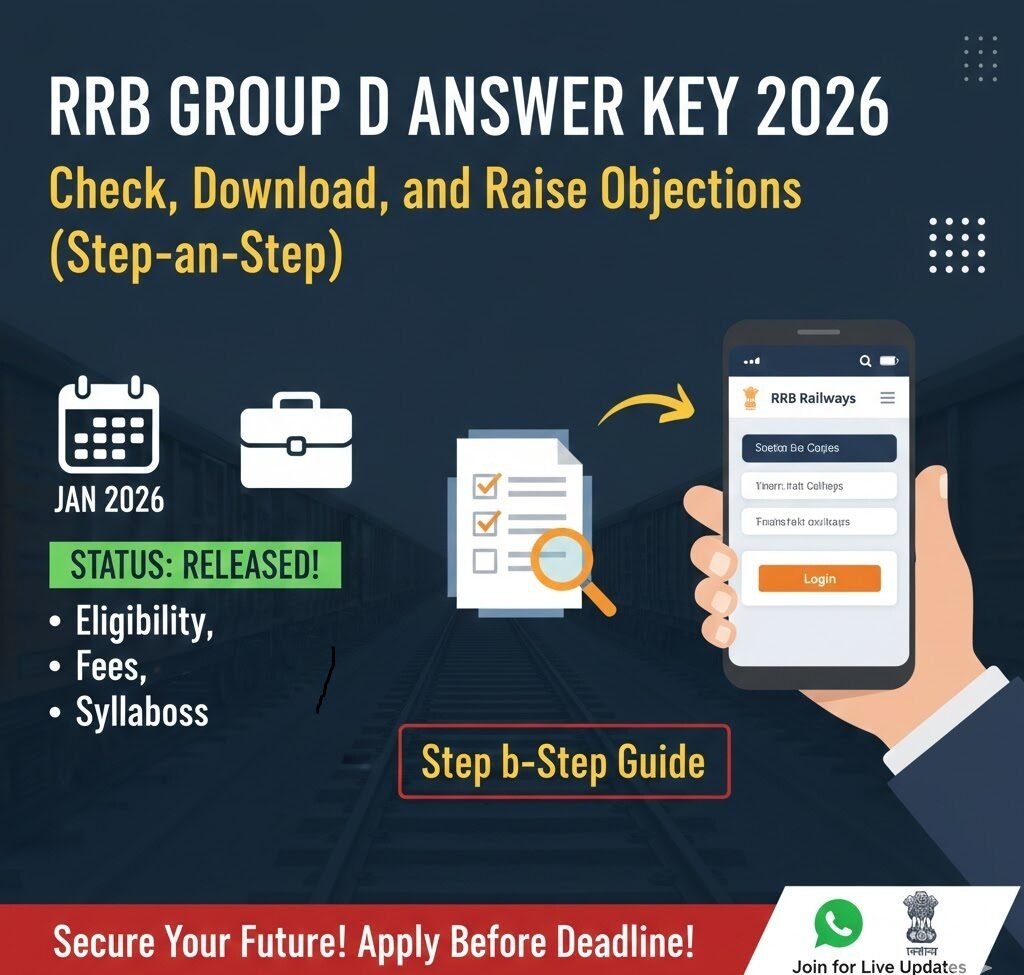

If you appeared for the RRB Group D (CEN 08/2024) exam, the moment you’ve been waiting for is finally here: the official answer key is about to go live. In 2026 the Indian Railways has moved the entire process online, making it faster and more transparent for candidates across the country. This guide walks you through everything you need to know—how to locate the key, verify your responses, file an objection, and stay updated with the latest trends in railway recruitment.
Why the Answer Key Matters
The answer key is more than a simple list of correct options. It serves several crucial purposes:
| Purpose | What It Gives You |
|---|---|
| Score Estimation | A quick way to calculate your provisional marks before the official result. |
| Objection Window | A defined period (usually 3–5 days) to raise doubts on any questionable answer. |
| Transparency | Shows the recruitment board’s commitment to fairness, reducing speculation. |
| Preparation Insight | Helps future aspirants understand the exam pattern and difficulty level. |
Because the key is published online on the official Railway Recruitment Board portal, you can access it from any device—desktop, tablet, or smartphone.
Step‑by‑Step: Accessing the RRB Group D Answer Key 2026
Below is a plain‑language walkthrough that assumes you have a stable internet connection and a valid User ID (your registration number) and date of birth—the credentials required for login.
1️⃣ Open the Official RRB Website
Navigate to the official portal: https://indianrailways.gov.in. For RRB‑specific services, you can also use the direct link https://www.rrbchennai.gov.in/. Both URLs point to the same secure server that hosts the answer key.
2️⃣ Log In Using Your Credentials
- Click Login on the homepage.
- Enter your User ID and Date of Birth exactly as you used while filling the application form.
- Hit Submit.
If you forget your password, there’s a “Forgot Password?” link that will send a reset OTP to your registered mobile number.
3️⃣ Locate the “Answer Key” Section
Once you’re on the dashboard, look for a tile labeled “RRB Group D Answer Key 2026”. The board often groups answer keys by exam name and year, so make sure you pick the one for CEN 08/2024.
4️⃣ Download the PDF
Click the tile. The answer key opens in a new tab as a PDF.
- Click the download icon (usually a downward arrow).
- Save the file to a folder you can easily locate, such as “RRB‑Documents” on your desktop.
The PDF contains a question‑wise breakdown of correct options and a response sheet you can compare with your own answer sheet.
5️⃣ Verify Your Answers
Open the PDF side‑by‑side with the scanned copy of your answer sheet (the one you filled during the exam). Tick each question that matches the key. This will give you a provisional score and help you decide whether to lodge an objection.
6️⃣ Filing an Objection (If Needed)
If you spot a discrepancy, follow these steps within the objection window (the portal typically mentions the deadline in the same section):
- Click the “Raise Objection” button located under the answer key view.
- Fill the short form:
- Question Number
- Your Answer
- Correct Answer as per Key
- Reason for Objection (concise, e.g., “Answer key shows option B, but official syllabus states option C”).
- Attach a clear screenshot of the relevant page from your answer sheet.
- Submit.
You will receive an acknowledgment email with a reference number. Keep this handy; you may need it for future correspondence.
7️⃣ Track the Status of Your Objection
Return to the dashboard, navigate to “Objection Status”, and enter your reference number. The board updates this page in real time, indicating whether your objection is under review, accepted, or rejected.
Common Pitfalls and How to Avoid Them
| Pitfall | How to Prevent It |
|---|---|
| Wrong login credentials – leading to lockout | Double‑check your registration number and DOB; use the “Show password” toggle before submitting. |
| Missing the objection deadline | Set a calendar reminder for the last date indicated on the answer key page (usually 3–5 days after release). |
| Submitting vague objections | Be specific: quote the exact question, your answer, and the exact line from the syllabus that contradicts the key. |
| Downloading an outdated PDF | The portal sometimes hosts a “Draft” version. Look for the label “Final Answer Key – Released Jan 2026” before downloading. |
| Ignoring the official website and using third‑party sites | Only trust the indianrailways.gov.in or rrbchennai.gov.in domains. Third‑party PDFs may be altered. |
Latest Trends in Railway Recruitment (2024‑2026)
- Digital‑First Approach – Since 2024, RRB has migrated almost all candidate interactions—application, admit card, answer key, and result—to a single online portal. This reduces paperwork and speeds up processing.
- AI‑Powered Scrutiny – The board now employs AI tools to scan objection PDFs for authenticity, which shortens the review period to 48 hours for clear‑cut cases.
- Mobile‑Responsive Dashboards – Candidates can now track their status directly from a mobile browser, without needing a desktop.
- Real‑Time Alerts – By subscribing to the WhatsApp Channel or SMS alerts, you receive instant notifications when the answer key is posted or when an objection decision is made.
Staying updated with these trends ensures you’re not caught off‑guard by procedural changes.


Important Links
Below is a concise table of resources you’ll likely need during this process. Click the links to go directly to the official pages.
| Resource | Description | Action |
|---|---|---|
| WhatsApp Channel | Join our official updates channel | Join Now |
| RRB Official Portal | Main hub for answer key, objections, and results | Visit Portal |
| Notification | View Notification in hindi | View Notification |
| Notification | View Notification In english | View Notification |
Pro Tips for a Smooth Experience
- Bookmark the Dashboard – Save the login page in your browser’s bookmarks for quick access.
- Use a PDF Reader with Annotation – Tools like Adobe Acrobat Reader let you highlight correct answers directly on the key, making verification faster.
- Save a Screenshot of the Acknowledgment Email – This acts as proof of submission if you need to follow up later.
- Stay Connected – Subscribe to the WhatsApp channel listed above; the board often sends reminders about objection deadlines and result releases.
Final Thoughts
Navigating the RRB Group D Answer Key 2026 doesn’t have to be a hassle. By following the clear steps outlined here, you can confidently check your answers, calculate a provisional score, and raise any valid objections within the allowed timeframe. Remember, the railway recruitment landscape has become increasingly digital, so staying tech‑savvy and keeping an eye on official communications (like the WhatsApp channel) will give you an edge.
Frequently Asked Questions (FAQs)
1. When exactly will the RRB Group D Answer Key 2026 be released?
The official notice states “Release Soon” with a provisional date of January 2026. Historically, the key appears within the first week of the month.
2. Can I check the answer key without logging in?
No. For security and to link the key to each candidate’s registration, a login is mandatory.
3. How many objections can I raise?
There is no hard cap, but each objection must be relevant and well‑documented. Filing frivolous or repetitive objections may lead to a warning.
4. Will the provisional score calculated from the answer key be the final score?
Not always. If an objection is accepted, the official result may be re‑calculated, leading to a change in your final marks.
5. I can’t find the “Raise Objection” button—what should I do?
Refresh the page; sometimes the button appears only after the PDF fully loads. If it’s still missing, contact the RRB helpline (the number is listed on the portal’s “Contact Us” page).